
Begin with what happened
Describe the intended action and objective already achieved. Choose the accidental trigger and tone for the explanation.
An unexpected route to an achieved objective
An established success.
An unintended route.
A story connecting the two.

Your table has already established the success
Keep the original attempt and achieved objective in view.
Describe the intended action and objective already achieved. Choose the accidental trigger and tone for the explanation.
Review the divergence, unplanned interaction, causal chain and decisive turn. Keep the character’s contribution and player choices in view.

A ricochet beside a griffin statue and gate
The illustration shows a cloaked adventurer using a rope and hook on a balcony beside a griffin statue, hanging chandelier and chained weight. Bright paths and arrows connect the hook, statue and gate.
Choose the trigger that redirected the attempt. Follow the unplanned interaction and connected events, then review how the decisive turn explains the success already established at your table.
The original attempt and its unexpected path
Prepare an explanation grounded in the scene.
Start with the character, intended action and objective your table has already established as achieved.
Describe what the character meant to do and where the attempt took an unexpected turn.
Choose a deflection, ricochet, chain reaction, mistaken target, bystander intervention, opposition overreaction, tool misfire, environmental shift, mistaken identity or coincidental timing.
Follow the trigger through the unplanned interaction and causal chain. Review how the events connect the original attempt to its objective.
Identify the moment that brought the unexpected sequence to the objective. Keep the character’s contribution in view.
Add setting, tools, opposition and earlier preparation. Ground the explanation in what was already present in your adventure.
Prepare observable evidence, witness response and immediate aftermath alongside the causal explanation.
Describe strengths, stakes and the contribution to preserve. Keep credit and player choices with the character.
Prepare a read-aloud version, a later callback and private Dungeon Master continuity notes. Review what to share.
Edit the explanation, lock useful sections, revise selected parts and use undo. Revisit recent session results and export explanations you want to keep.
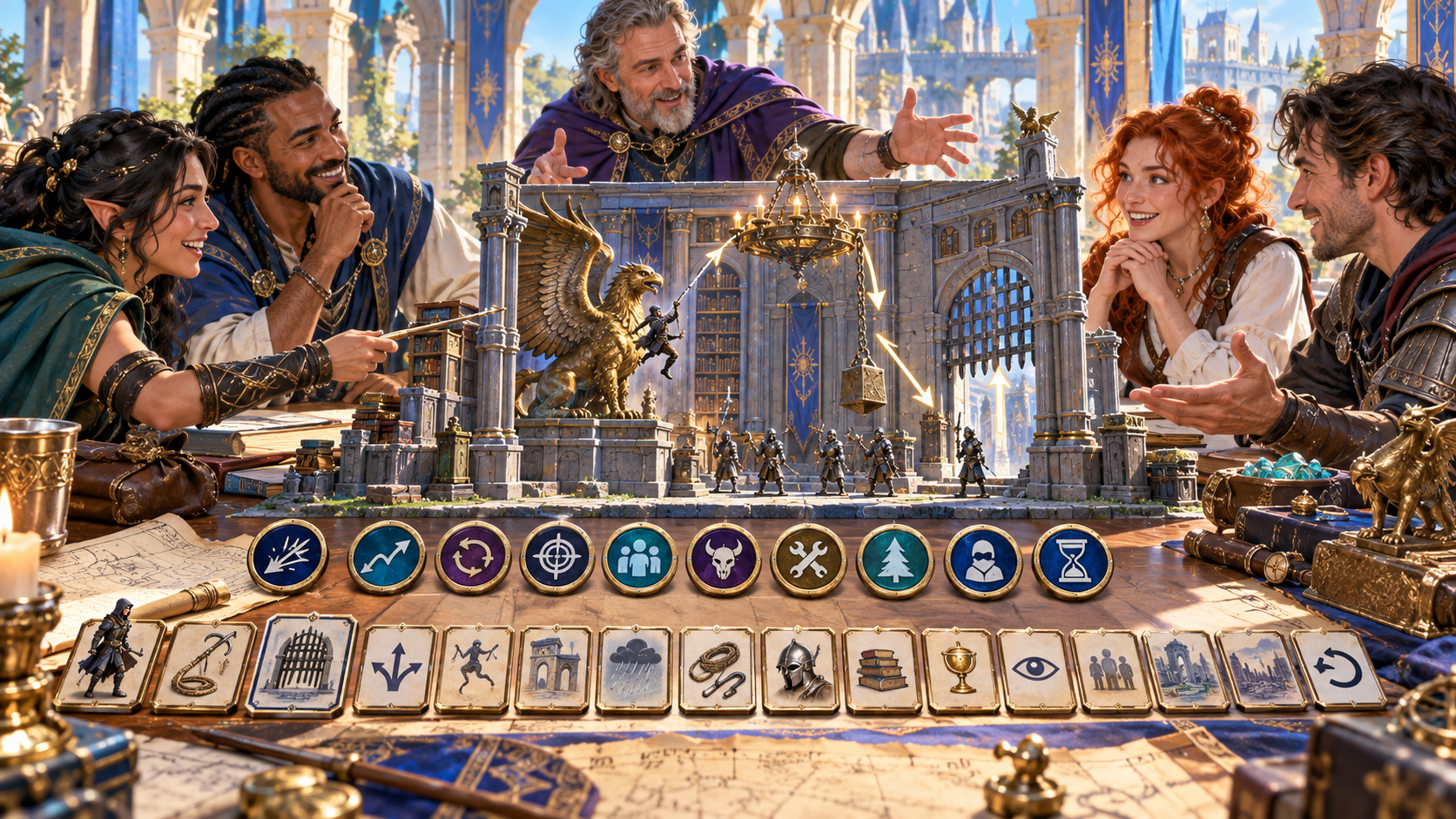
A group planning around a miniature hall
The illustration shows a group gathered around a miniature hall with a griffin statue, chandelier, hanging weight, guards and gate. Illustrated cards and tokens sit beside their maps and books.
Enter the character, intended action and achieved objective. Choose the attempt family, accidental trigger and tone, then add setting, tools, opposition and earlier preparation.
From established success to a clear explanation
Keep the explanation beside what happened in play.
Enter the character, intended action and achieved objective. Add strengths and the contribution you want to preserve.
Set the attempt family, accidental trigger and tone. Add setting, tools, opposition and earlier preparation.
Read the divergence, trigger, unplanned interaction, causal chain and decisive turn together. Refine the explanation for your scene.
Review evidence, witnesses, aftermath and read-aloud. Choose what to share and check private continuity notes before play.
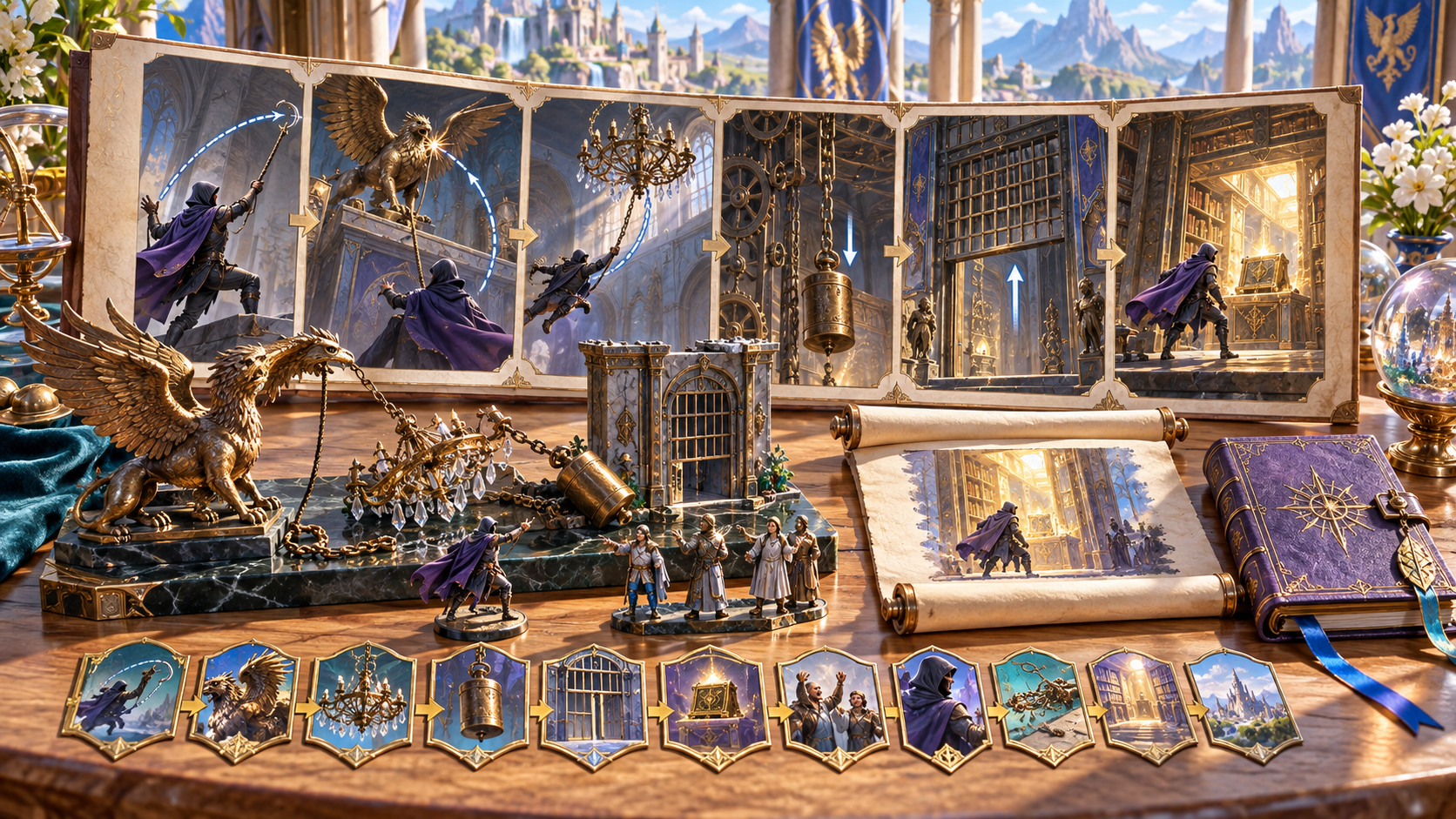
An illustrated sequence from hook to open gate
The illustration shows a storyboard of an adventurer’s hook, a griffin statue, chandelier, moving weight and raised gate leading into a bright room. Miniatures, an illustrated scroll and a book sit below the sequence.
Review the connected events alongside evidence, witnesses and immediate aftermath. Prepare the read-aloud and any later callback, then choose the material that fits your session.
Refine and keep your explanations
Export the results you want to keep after closing.
Edit the explanation, lock useful sections, revise selected parts and use undo. Review the full causal route when refining it.
Revisit recent results during the current session. Export any explanation you want to retain after closing the generator.
Review the full Dungeon Master view, player-facing view, read-aloud or selected sections. Check private continuity notes and custom edits before sharing.
Copy the material you choose, download the finished explanation as JSON or print the current version for your table.
Your workspace and related tools
Open your tools through your VISINVOKE account.
Open Accidental Success Generator in DCC. Get the desktop workspace through your account installer page.

Prepare a separate story about making amends, its cost and how others respond. Use that material alongside your adventure.
Product illustrations show a rope-and-hook attempt, an unintended route through a grand hall, miniature scene planning and an illustrated causal sequence.
Questions and answers
Explain the unexpected route that led there.
It explains an already-established success that reached its objective through an unintended route, from the original attempt and divergence through an accidental trigger and connected events to the decisive turn.
Enter the character, intended action and achieved objective. Choose the attempt family, accidental trigger and tone, then generate and review the explanation against what happened at your table.
Add character strengths, setting, tools, opposition, earlier preparation, stakes, witnesses, later relevance and private Dungeon Master continuity notes.
Use it to describe the unexpected route to a success your table has already established. Review cause and effect, keep the character’s contribution in view and leave player choices with your table.
Revisit recent results during the current session. Copy the full Dungeon Master view, player-facing view, read-aloud or selected sections, download JSON or print. Export what you want to keep after closing and review private notes and edits before sharing.
Open Accidental Success Generator from the Generators collection in VISINVOKE Desktop Control Centre. Create an account or sign in and get DCC through your account installer page.
Continue in VISINVOKE
Create an account or sign in. Get Desktop Control Centre through your account installer page and open Accidental Success Generator.
Keep exported explanations beside your session preparation.